Demo Play offers any player the chance to play and try out any of our games without real money wagering.
Demo URL
To try the Demo Play, use the link by adding the &mode=fun and specifying your &operator parameters together with the other marked as “Mandatory” in the table below:
You can try our games by configuring it in the demo URL adding different parameters.
Parameter
Example
Description
server_url
&server_url=https://asia.stage.rubyplay.io
A server URL (the address of one of the RubyPlay environments). This is for Stage. The production server and hostname will be provided later. Mandatory.
mode
&mode=fun
Starts the demo mode. Mandatory.
operator
&operator={YourBrandID}
A unique operator code which is used in the Launch URLs. Mandatory.
currency
¤cy=USD
Sets the player currency for the game. We use ISO 4217 currency codes. It is important to ensure that the currency is configured for your operator ID. Mandatory.
gamename
&gamename=rp_2
The code of the real game enabled the specified brand in the particular environment. A list of game codes can be found in Game List (Game ID column). Mandatory.
lang
&lang=de
Sets the language for the game. A full list of the supported languages can be found in Localization List. Optional.The default value is "en" (for the English language), and it will be used if the parameter is not specified.
Examples
Below are some examples of using different parameters in the Demo Play.
Example 1. Demo Mode with the Default Configuration
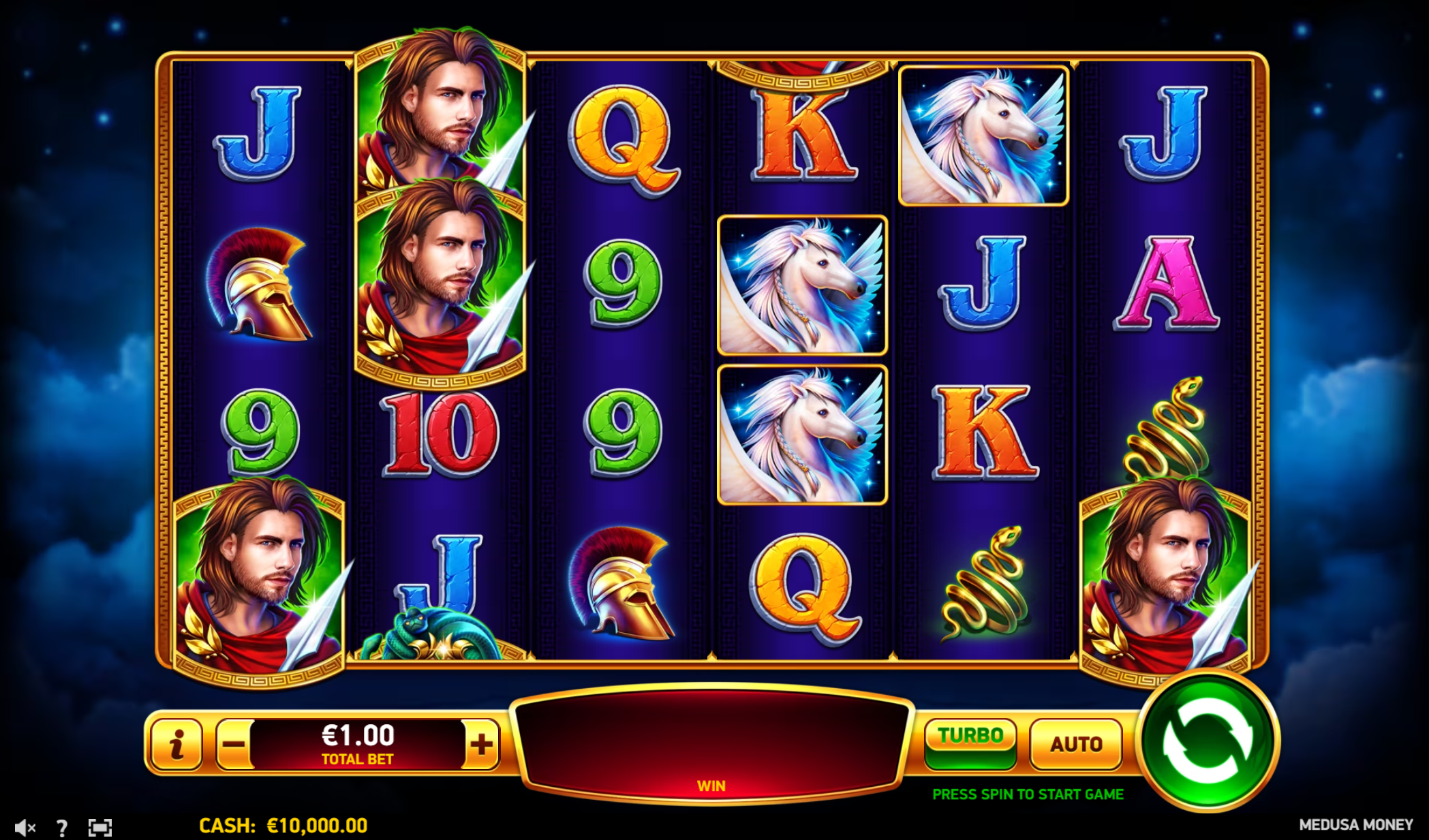
Use the mode=fun parameter to go to the Demo Play:
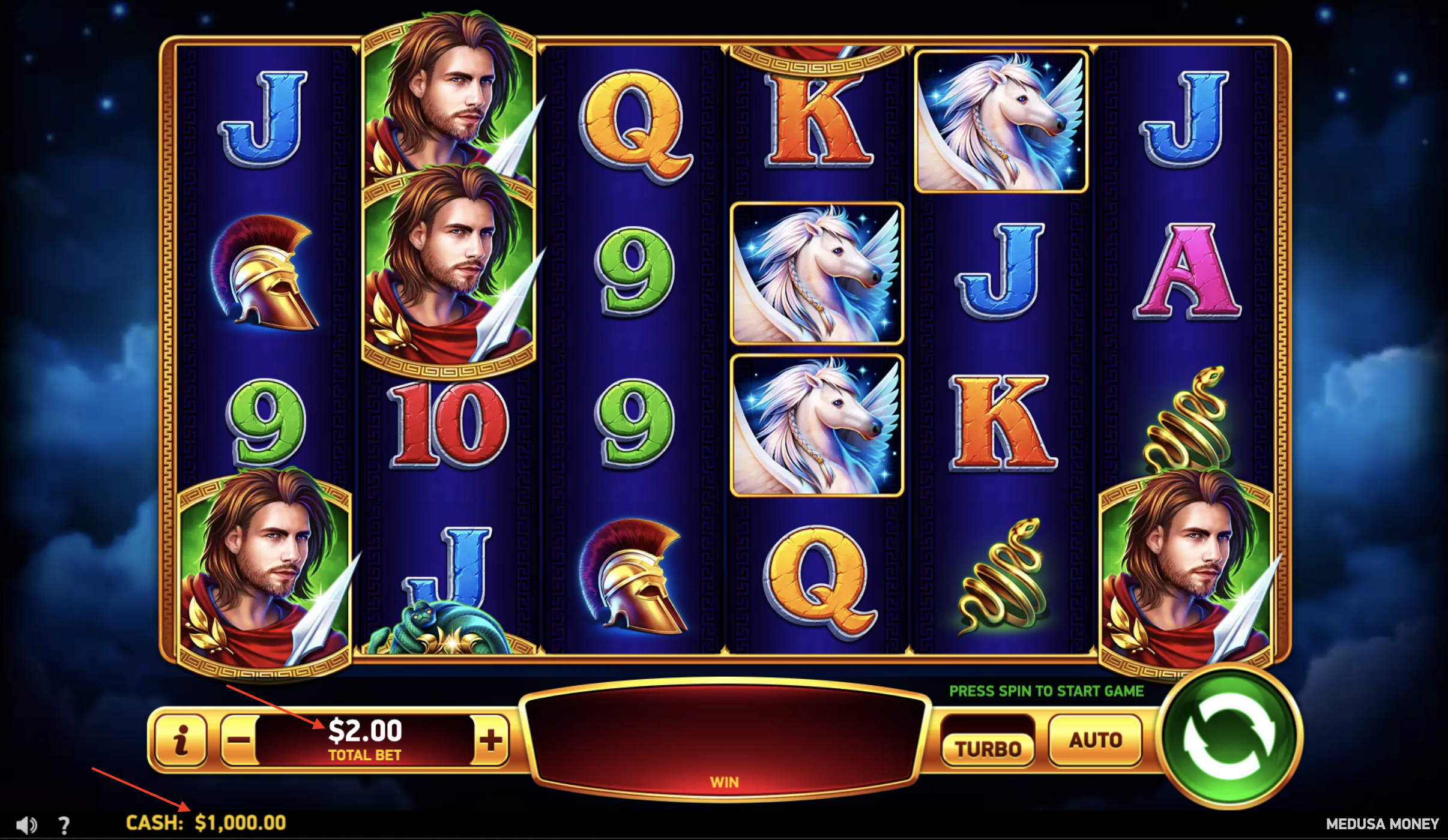
Ensure to include mode=fun and specify mandatory parameters for server_url, gamename, operator, and currency.
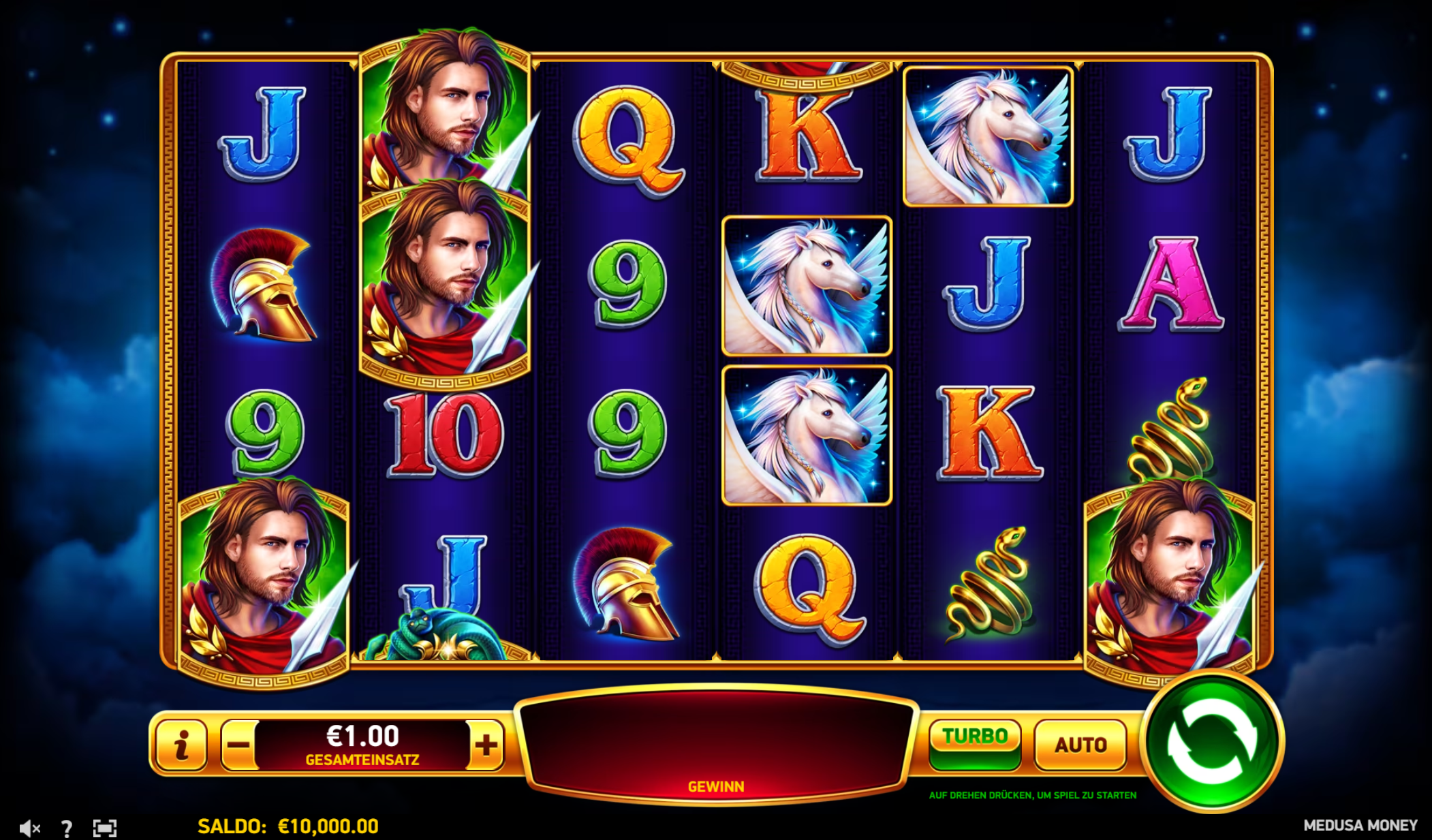
You will see the Demo Play game with the changed language:
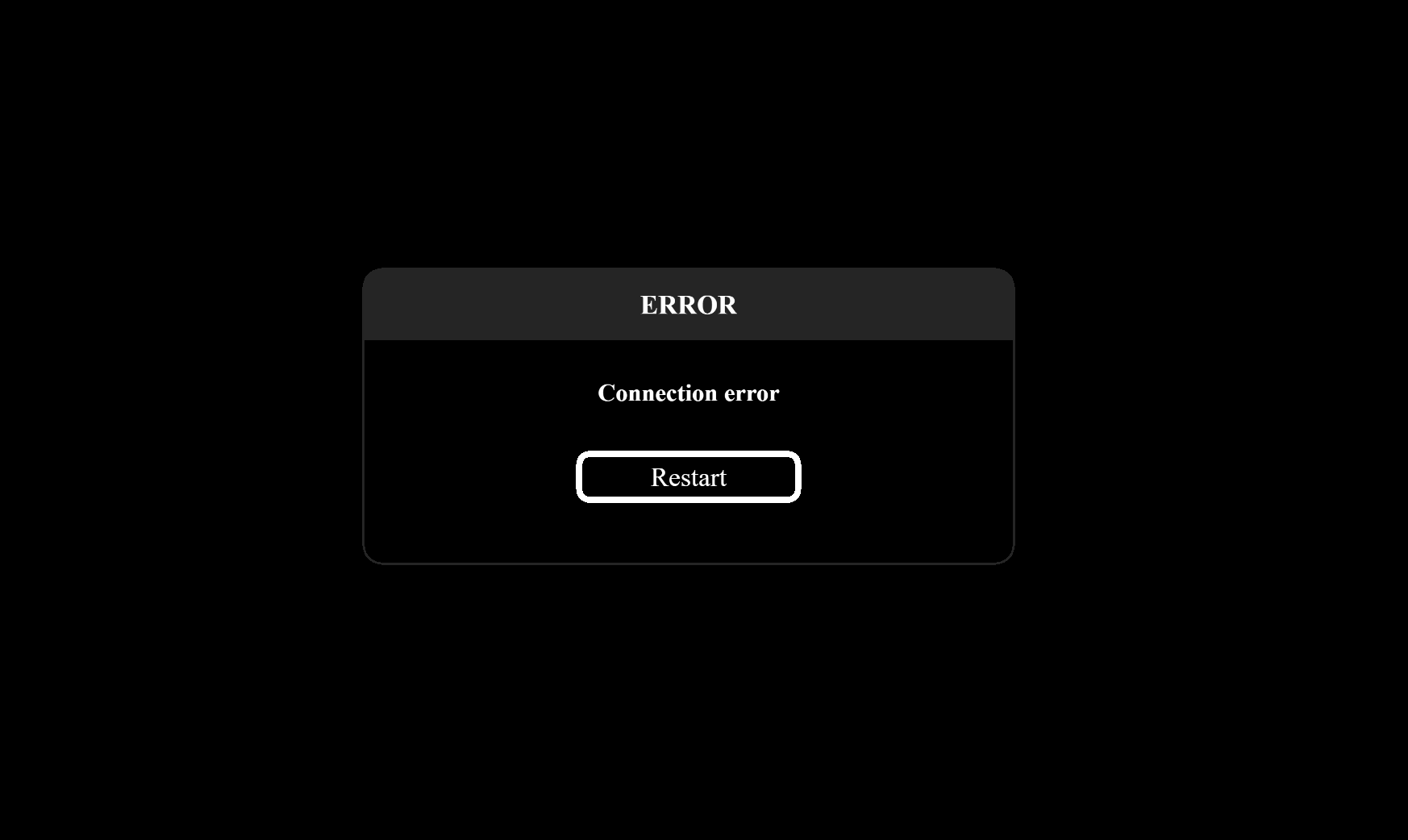
Example 4. Demo Mode with the Missing/Wrong Mandatory Parameter
If the mandatory parameters are not specified or contain incorrect values, the demo will fail to launch, leading to various errors depending on the specific missing or incorrect parameter. Below you can see some examples.